Users who have activated the Holvi-Briox bank integration can receive bank statements together with attachments straight into Briox.
Under Banking - Process transactions, the transactions that have an attachment are marked with a paperclip icon.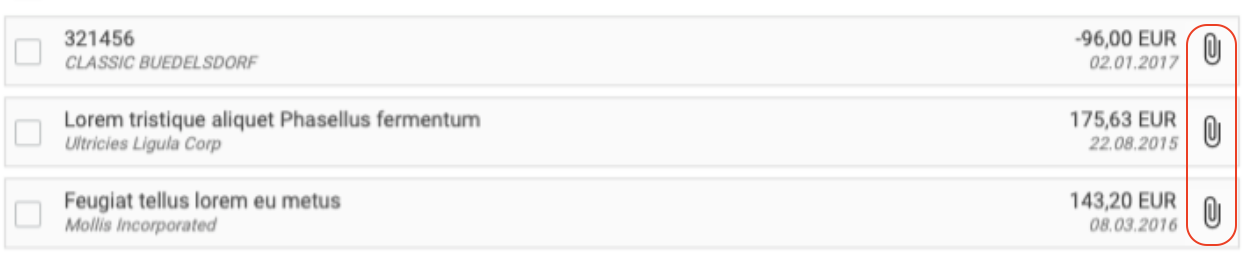
When these transactions are processed, for example by dragging and dropping onto a template or creating a manual journal in banking, the match modal offers the user a view of the linked document to facilitate the journal coding.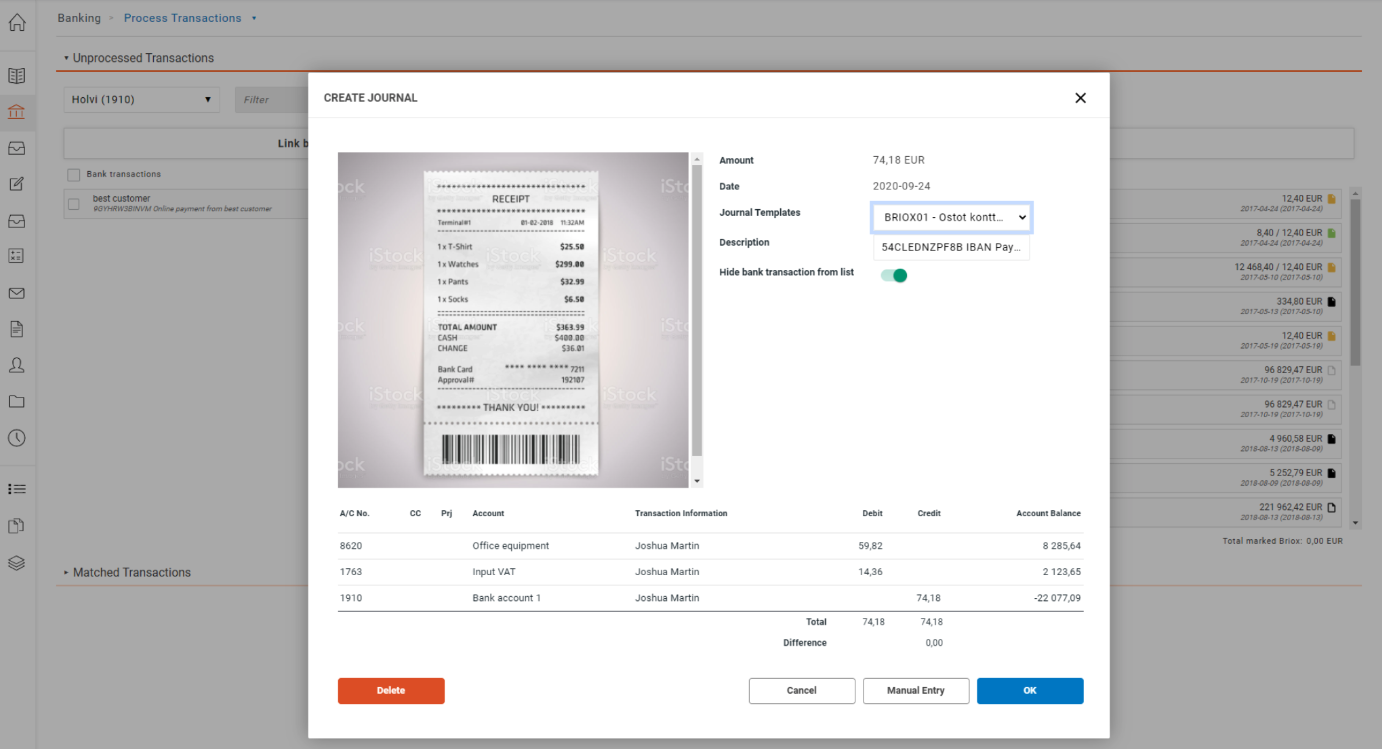
If the linked documents is to be removed or changed. This can be done in the journal once it has been created.
Have more questions? Submit a request