The supplier invoice can be unlinked from an Asset:
- in the history row of the asset: Click on unlink
- via the tracking, in the top right hand corner. Click on the tracking icon
 and unlink the invoice by clicking on the X icon on the same row as the invoice.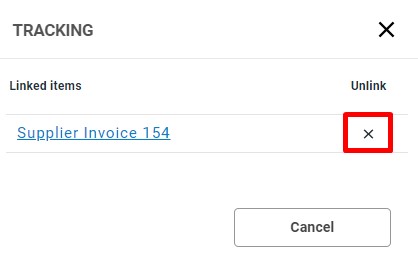
- If the invoice is linked to a write-up, you are offered the possibility to write down the asset as you unlink the invoice.
When an invoice is unliked, a new history row is created on the Asset. The journal of the unliked invoice is displayed as crossed over in the list and the unliked invoice number is found in the comments.

On the original history row where the invoice is linked remains unchanged.
Have more questions? Submit a request