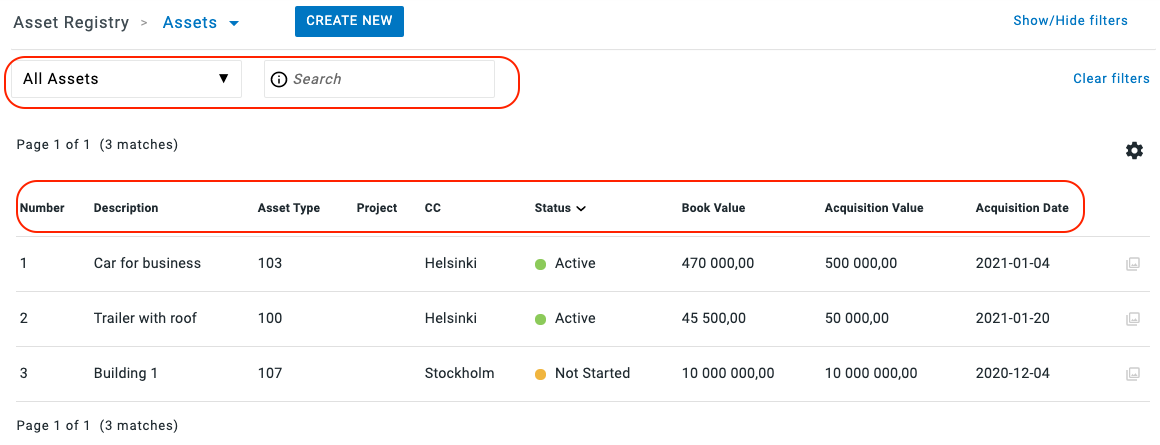
You find your asset list under Asset Registry - Asset.
Here there are several ways for you to look at and sort your Assets:
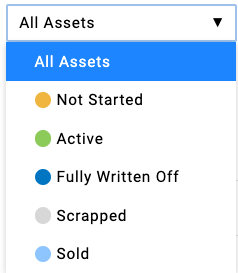
- Status by colour code: The assets have different colors depending on their status & the list can be filtered by status.
- List search: You can also search the list for assets with a certain acquisition value or with a certain acquisition date for example.
- Sorting order: Click on the various columns of the asset list to change the sorting order of the list
Have more questions? Submit a request