Expense types have been created so that as documents are scanned to linked documents, they automatically arrive in the correct inbox.
The relation is as follows:
- Receipt -> Journal support
- Invoice -> Supplier Invoice
- Other -> Inbox
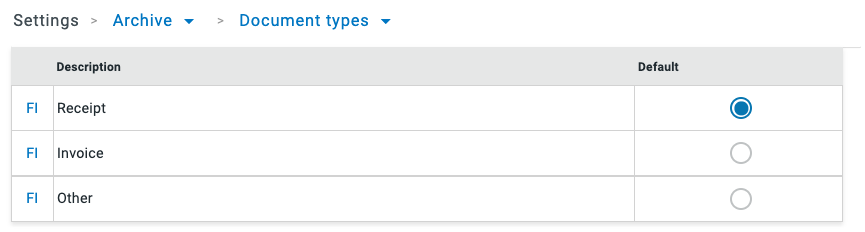
Receipts have been set up as the predefined type for the user. If the expense type is an invoice or something else, the user will need to make a choice: Invoice or Other
Under Settings - Archive - Expense types, you can determine which expense type is to appear as default to the app users.
The expense type is the second part of the scanned document name together with the category and date:
category-type-date.pdf
Have more questions? Submit a request