The Asset Information report displays all your assets and the information you have registered on each asset.
This report can be printed from under:
- Reports - Asset Registry - Asset Information
- Asset registry - Assets - select an asset
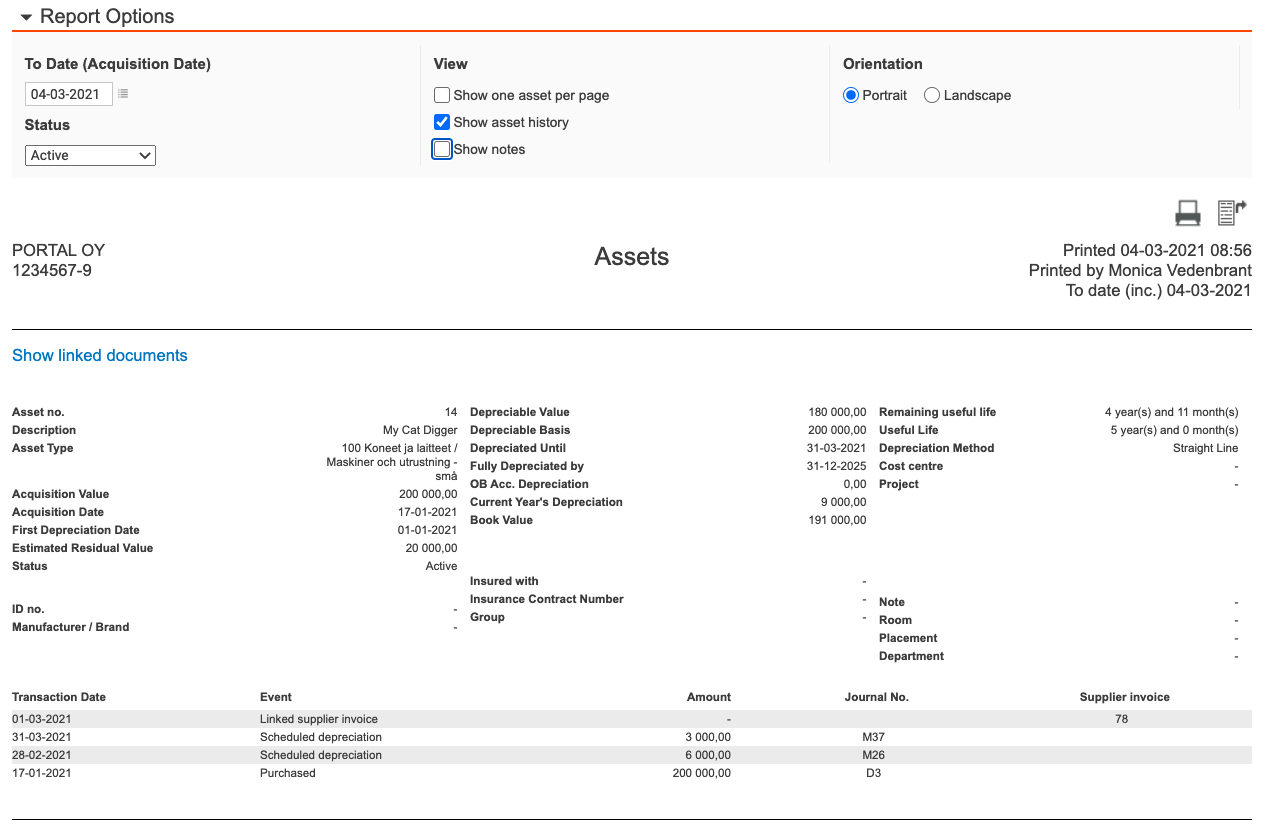
The report options allow you to:
- Filter your assets by status
- You have the option to print one asset per page
- You can include the complete asset history
- & choose to include all notes entered
- The date field limits the assets presented by looking at the acquisition date of the asset "up until the input date".
- The report is presented:
- on screen, in this option you can drill down to the documents that are linked to the asset
- as a PDF
- if exported to excel, the information is instead presented in columns
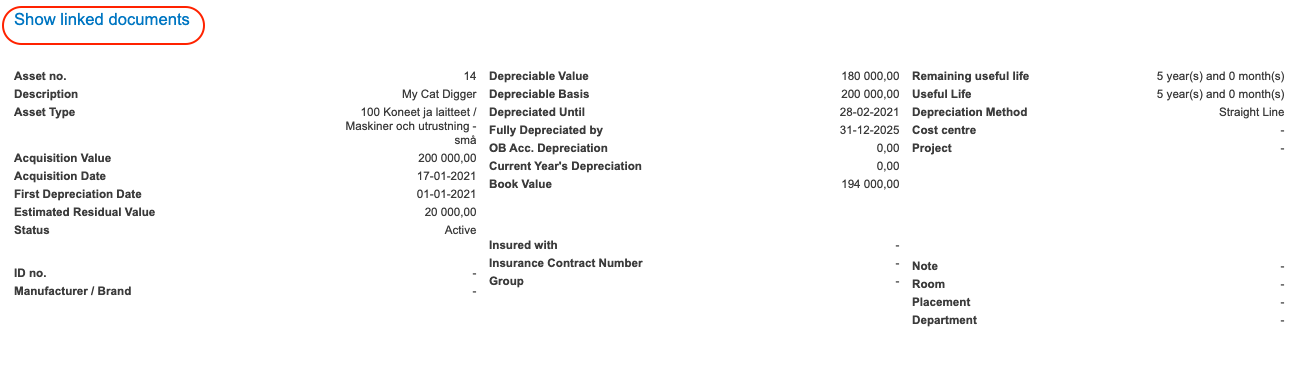
The report can also be printed directly from the asset card.
Click Print in the bottom right hand corner and the report will automatically:
- be printed as a PDF
- Including the complete asset history & notes
Have more questions? Submit a request